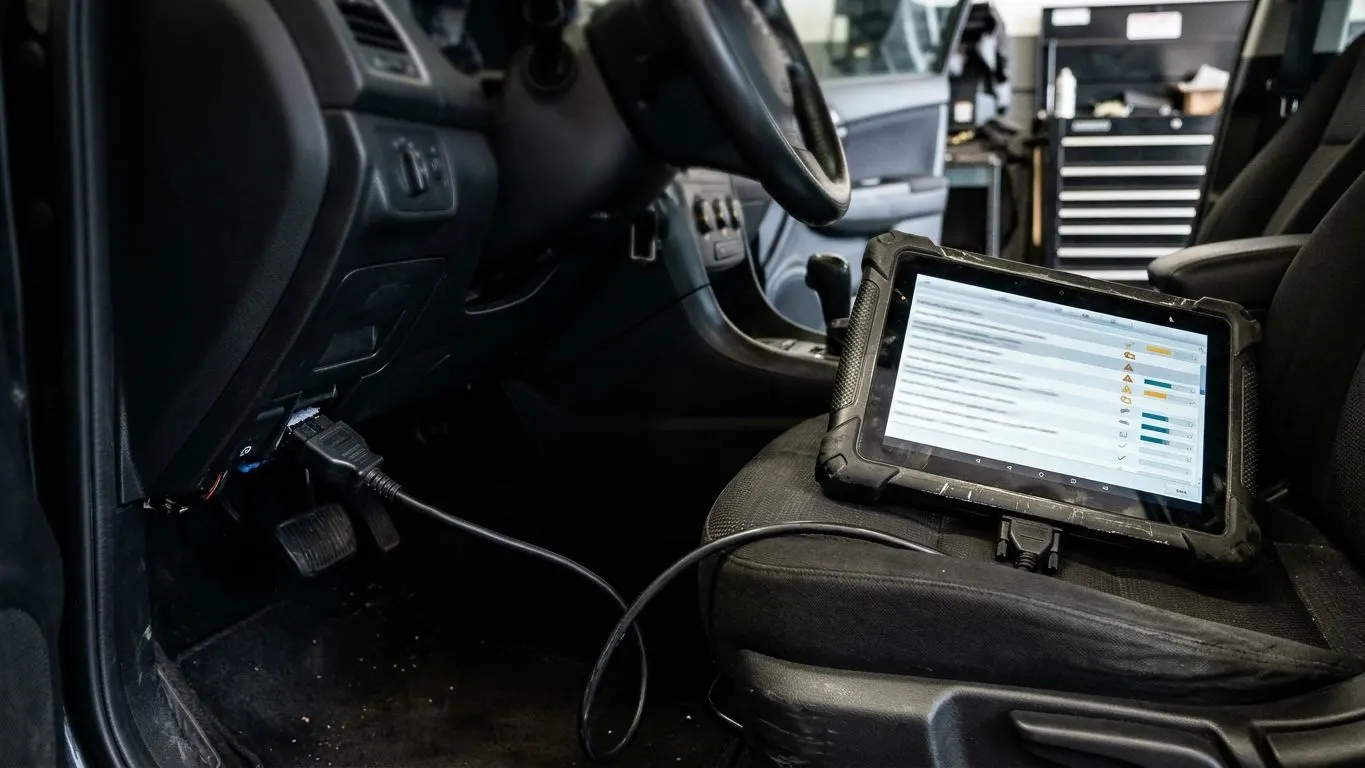
Our DTC solution files are developed from the original read you supply. You tell us exactly which codes are needed, and we confirm whether they can be addressed on that ECU.
Use It For The Right Reason
Switching off a code hides a fault; it does not fix it. If a code is caused by a genuine failure, such as a faulty sensor or wiring, repair it first. Codes relating to safety systems, such as brakes, airbags or steering, should never be disabled.
What To Send
- The original, unmodified ECU read (full read where your tool supports it)
- Vehicle make, model, engine code and year
- ECU type and software version where known
- The tool and read method used (master or slave, bench or OBD)
- The exact solution required and any related fault codes
- The exact DTCs, in P-code format, as read by your diagnostic tool
- The reason the codes are present (for example hardware removed)
Compatibility
Whether a DTC can be switched off depends on the ECU, its software and how the code is linked to other functions. Some codes are also stored or monitored by other modules, which a single engine ECU file cannot change. Compatibility is confirmed per file.
Limitations
- Not every code can be switched off on every ECU
- Codes logged by other modules may remain
- Emissions-related codes affect emissions testing and road legality
- Safety-system codes should never be disabled
Pricing
Trade prices are shown in the customer portal once you register. Supported delete options are included in the file price and there is no minimum order. Where a solution can be combined with a Stage 1 or Stage 2 calibration on the same ECU, it can be requested in the same file.
Service Terms At A Glance
Pay per file
No subscription. Trade prices are shown in the customer portal.
Deletes included
Supported delete options are included in the price.
Custom calibration
Files are developed from the original file you supply.
15 min manual
Most manually processed files are returned within 15 minutes during standard manual service hours.
24/7 automated
The automated file service runs 24/7 for supported files, including evenings, weekends and holidays.
Master & Slave
Master and Slave tool support, subject to compatibility.
No minimum order
Order a single file or many. No volume commitment.
Worldwide
Digital delivery to tuners and workshops worldwide.
Frequently Asked Questions
- Which fault codes can be switched off?
- It depends on the ECU and software. Send the exact codes with your read and support will confirm what can be addressed.
- Will this fix the fault?
- No. A DTC file stops the ECU reporting a specific code. Any genuine mechanical or electrical fault should be repaired.
- Can DTC removal be added to another file?
- Yes. Where supported, specific codes can be included with a Stage 1, Stage 2 or other solution file.